Device Details
Overview
| Name | Version: | ReFire for Push 1.0 |
| Author: | MichalHo |
| Device Type: | Audio Effect |
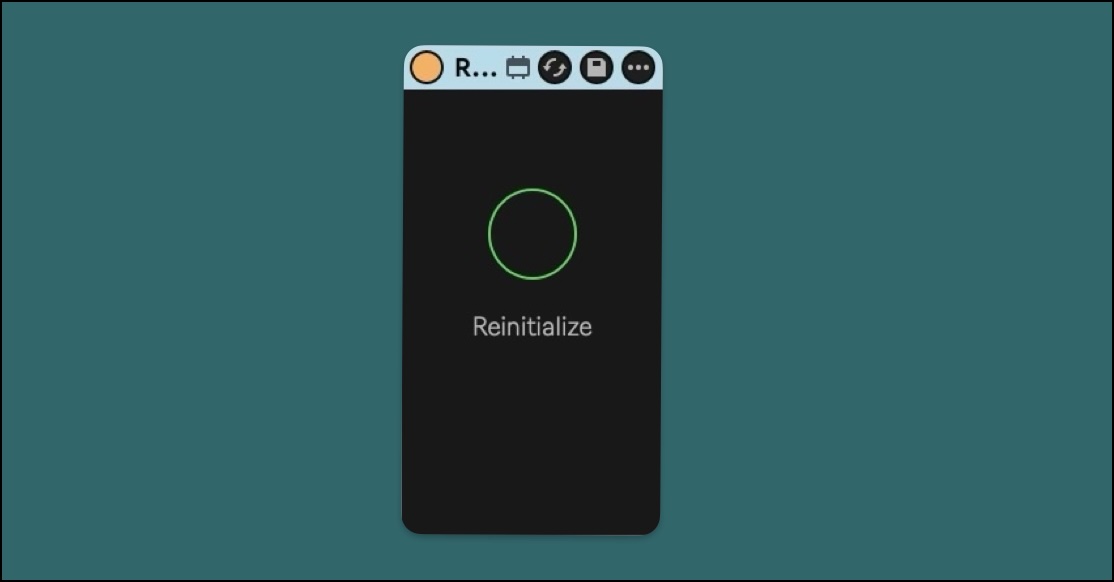
| Description: | “If only the Stop button were able to relaunch clips…” Rjega, 2026 If you have ever played a multi-page Live set on standalone Push, you might appreciate being able to re-fire the last stopped clips on specific tracks “blindly”, without having to scroll down to locate each clip in its scene and press each clip again. This handy M4L device co-developed with Ron Rjega Rüegg does just that. It observes each track and its clip states, buffering stopped clips into memory so they can be relaunched at the press of a button. In combination with locking the stop button on the Push, it becomes a matter of simply toggling the track buttons to control the playing state of a clip contained in those tracks. Works with Push standalone and Move in controller mode, as well as many other external controller solutions for Ableton. It also works without Push or a controller, using the regular Ableton Live stop buttons. Setup: Place ReFire on any track, e.g. the master and you’re ready to go. Toggle the Reinitialize button to reset the clip state memory and get a fresh count of the tracks in your set. https://youtube.com/shorts/CLGSIFBY_V8 |
Details
| Live Version Used: | 12.3.6 |
| Max Version Used: | 9.0.10 |
| Date Added: | Mar 12 2026 10:02:59 |
| Date Last Updated: | Mar 12 2026 10:33:43 |
| Downloads: | 0 |
| Website: | https://michalho.gumroad.com/l/iycjwu |
| ⓘ License: | None |
Average Rating
Log in to rate this device |
-n/a- |
Login to comment on this device.
Browse the full library